6681 5707
 8389 0390

Are you facing with some of these iPhone issues?

Touch issues

Wifi issues

Calls issues

Phone freezes
You can try to do Soft Reset before sending your phone for repair to eliminate the possibility of software issues.

Soft Reset will not erase your iPhone data
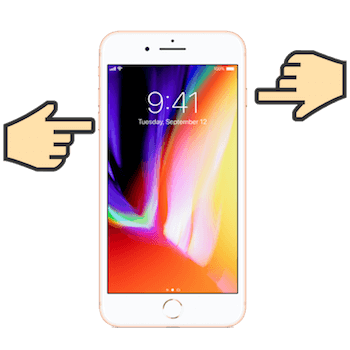
HOW TO DO SOFT RESET



Fast Reliable Repairs
Download our App